Post by @chrism

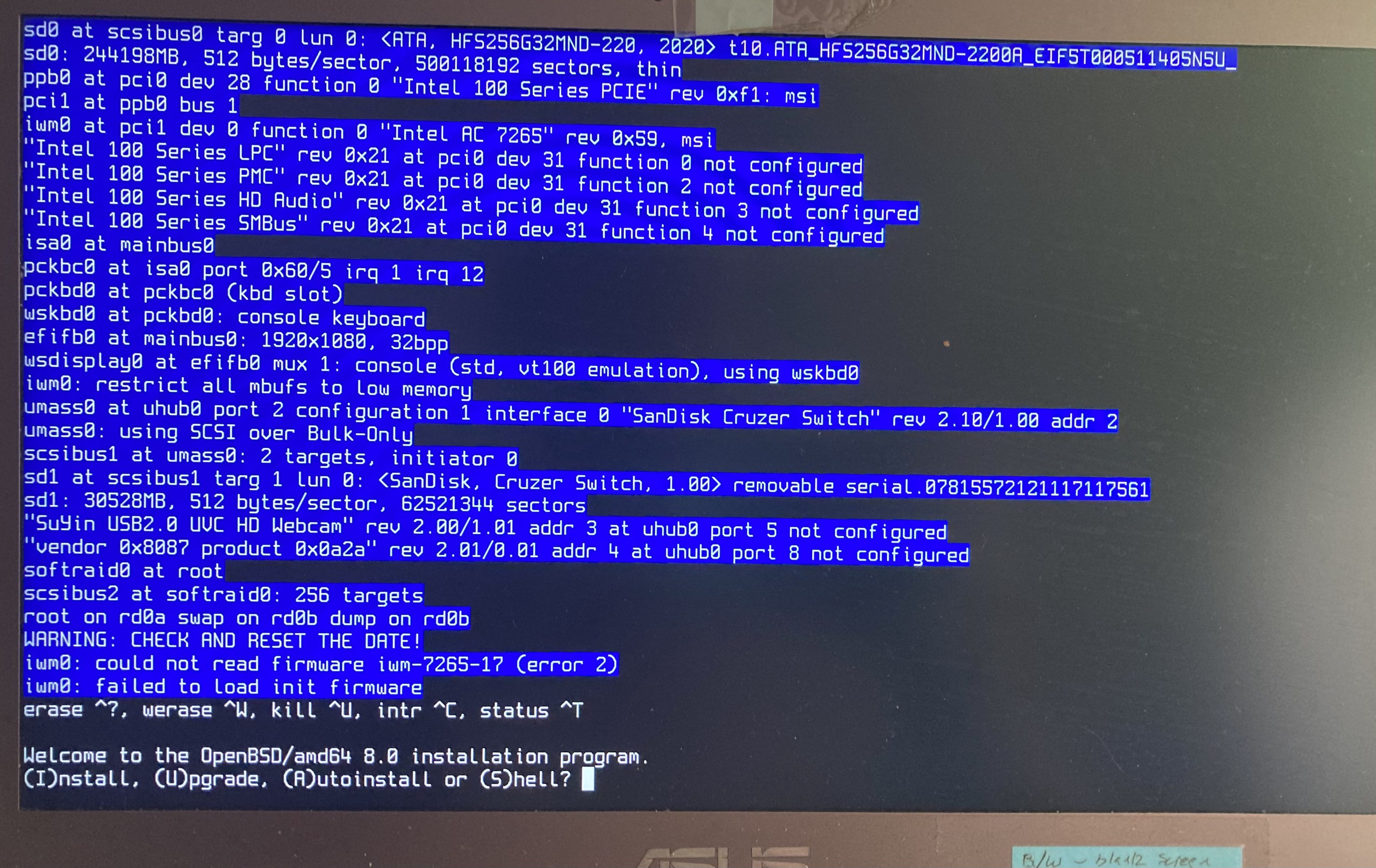
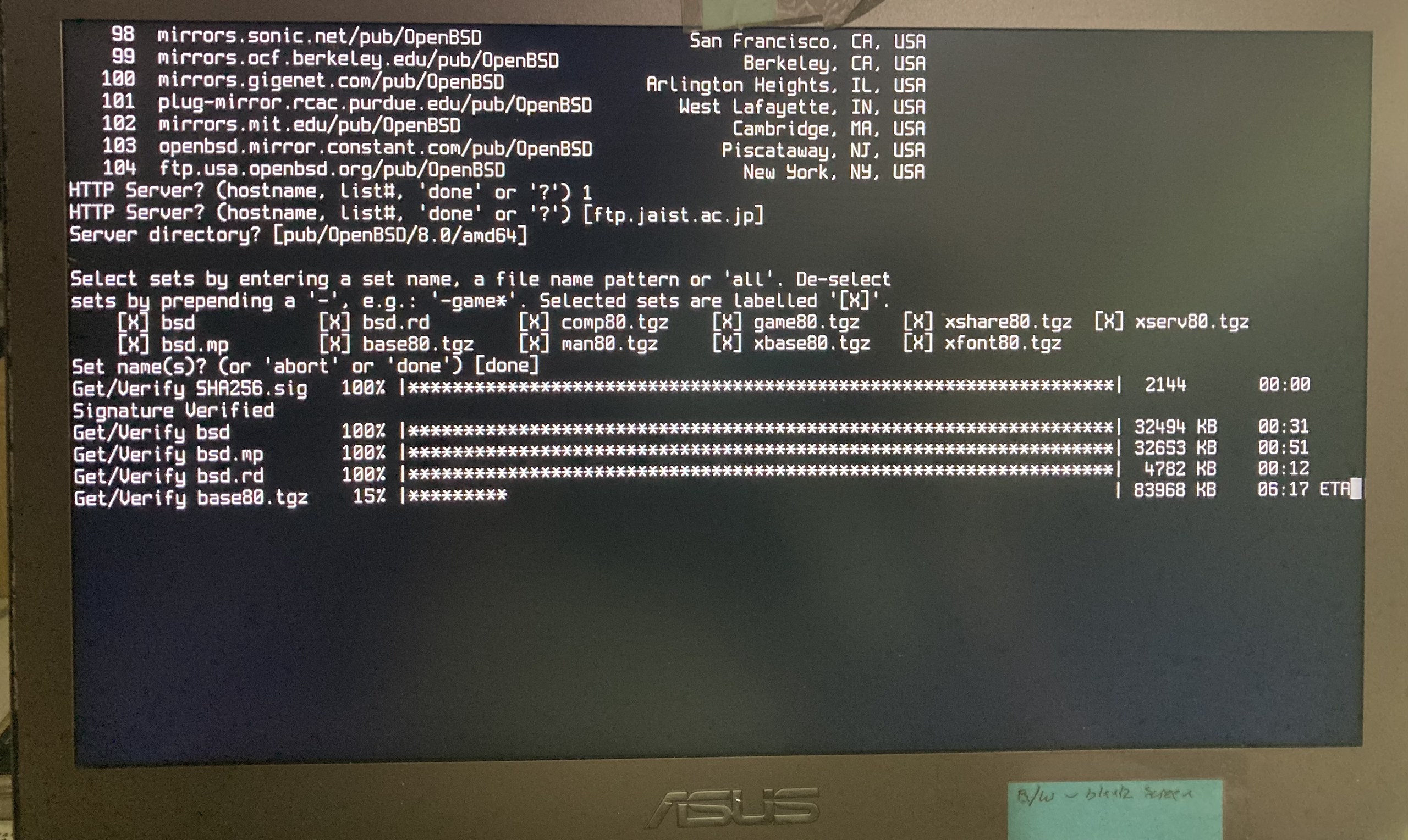
Installing #openbsd 8 on my laptop (#Asus #ZenBook).
It couldn't detect the wifi card, so I opted to use a cable instead (I'd almost forgotten where I'd put the ethernet dongle - I haven't used it such a long time).
Autoinstall it is, then after a series of typical installation questions - moving on to downloading sets.
Time to put the kettle on ...

@chrism Wow that was quick, with very little messing around! Even suspend works - which is utterly amazing!
The disc is encrypted and wifi works, again painless.
Almost everything works (except the brightness and volume buttons) but I will do later, I just want to use it productively for a while.
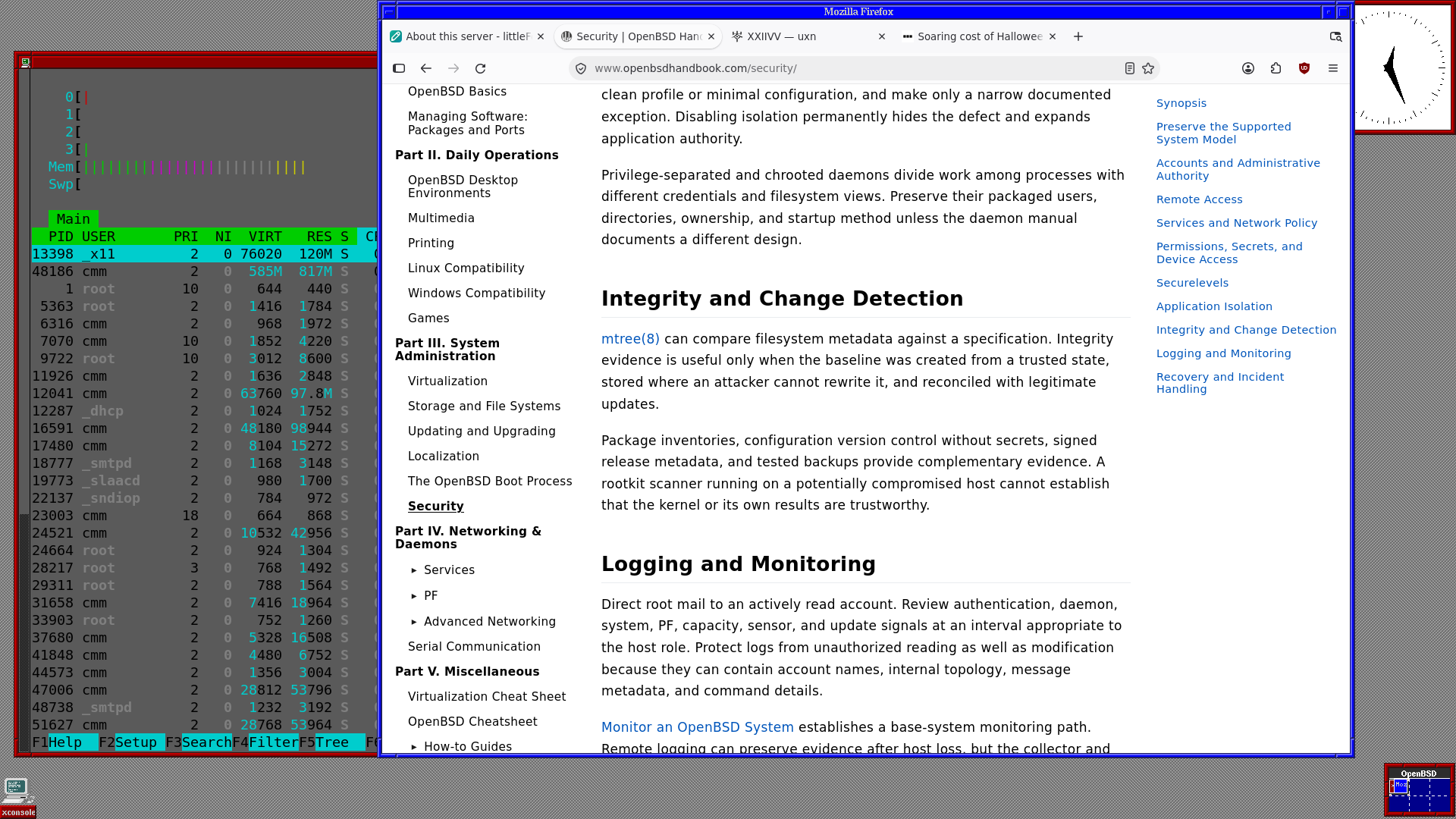
I've installed everything I need, and I'm delighted how easy it was. The handbook is wonderful too, very clear, beautifully presented and answered everything I wanted to know.
It's using the default window manager (fvwm), which I quite like at th moment.
I'm smitten. 🥰🥰
This will be my main machine now for a few days - lets see how I get on.